

Sign in, passwords, and your profile
Everyone signs in to Sensible Surveys with an email address and password. This article covers first-time setup, recovering access, and the personal settings on your profile.
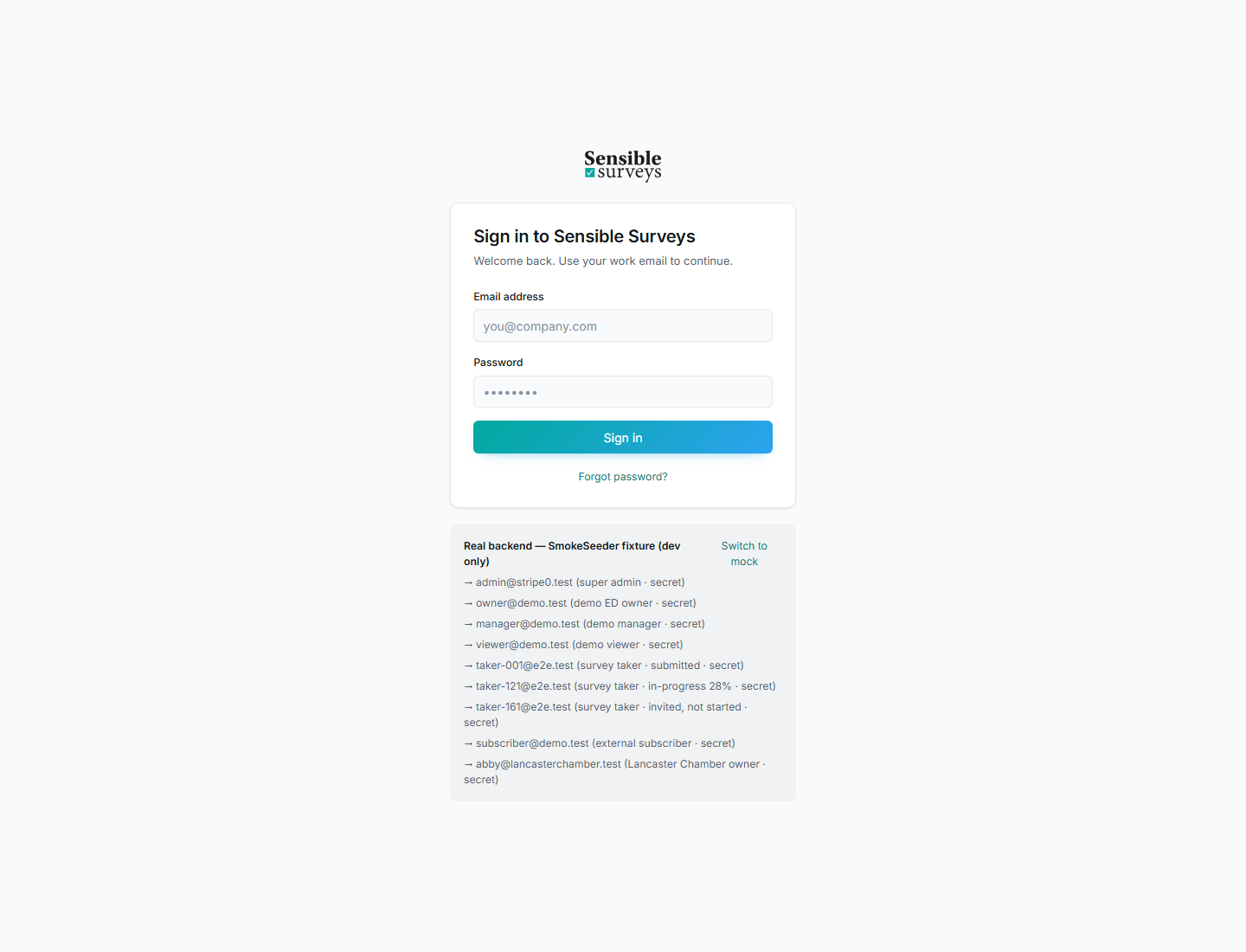
The sign-in page. Always use the email address your invitation or account was created with.
First-time sign in
Section titled “First-time sign in”New users do not receive a password. Instead, you get a welcome email with a secure link:
- Open the welcome email and click the link.
- Set a password (at least 8 characters, entered twice).
- Sign in with your email and new password.
After setting a password you are taken to the sign-in page. Sign in once and you land in the right place for your role: the account workspace for owners, managers, and viewers; the survey taker portal for takers; the subscriber portal for subscribers.
Always sign in with the email address that received the invitation. A different address will not find your account or your survey.
Forgot password
Section titled “Forgot password”Use Forgot password? on the sign-in page. Enter your email and, if an account exists for it, a reset link arrives by email. The link expires after 60 minutes; if it has expired, request a new one.
Magic links for survey takers
Section titled “Magic links for survey takers”If you were invited to a survey and cannot remember your password, the survey invitation page offers “Need a magic link?”, a secure, one-time email link for that survey. Use it to get into your survey without resetting your password. Returning takers can also just sign in normally.
Your profile
Section titled “Your profile”Click your name in the top-right corner to open your profile. From there you can:
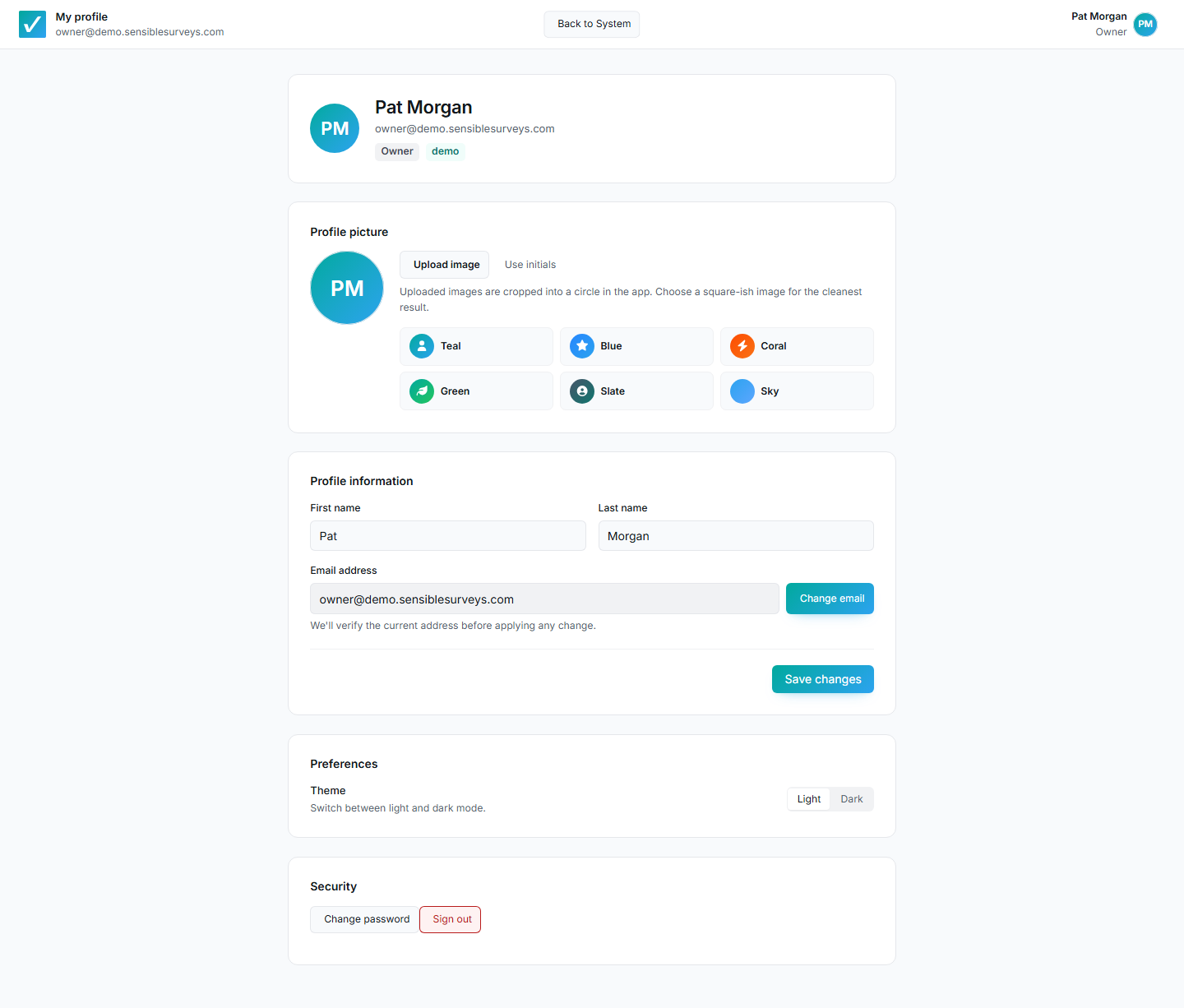
Your profile: personal settings that follow you, separate from account settings.
- Upload a profile picture and edit your first and last name.
- Change email: a three-step flow that sends a 6-digit verification code to the new address. Enter the code within 15 minutes to confirm.
- Switch between light and dark theme.
- Change password: requires your current password. Other signed-in sessions are signed out after the change.
- Sign out.
Troubleshooting
Section titled “Troubleshooting”The reset or welcome link doesn’t work
Section titled “The reset or welcome link doesn’t work”Links expire (reset links after 60 minutes). Request a fresh one from Forgot password?, or ask the person who invited you to resend the invitation.
I can’t find my survey after signing in
Section titled “I can’t find my survey after signing in”You are probably signed in with a different email than the one that was invited. Sign out and use the invited address, or contact the organization that invited you.
I stopped receiving emails
Section titled “I stopped receiving emails”Check spam and quarantine folders first. If invitations bounced, the survey manager can see a delivery issue flag on your record and can correct your address and resend.